
Angyza AI · Features

Create images
Create photos, product shots and illustrations in Angyza AI. Learn the 6 sizes, 10 style options, Improve prompt, Quality and Lock seed, with real examples.
Images is where you turn a written description into a picture. This page covers sizes, styles, Improve prompt, Quality and Lock seed, and how to write prompts that give you the image you want.
Open ImagesHow Images works
You describe the picture, pick a size and a style, and click Generate image. Each image costs 15 credits and takes about 5 to 20 seconds. Every image is saved to your Library automatically.
Handmade soy candle in an amber glass jar with a minimal kraft label, dried lavender sprigs beside it, linen fabric backdrop, studio product photography, soft shadows, warm tones
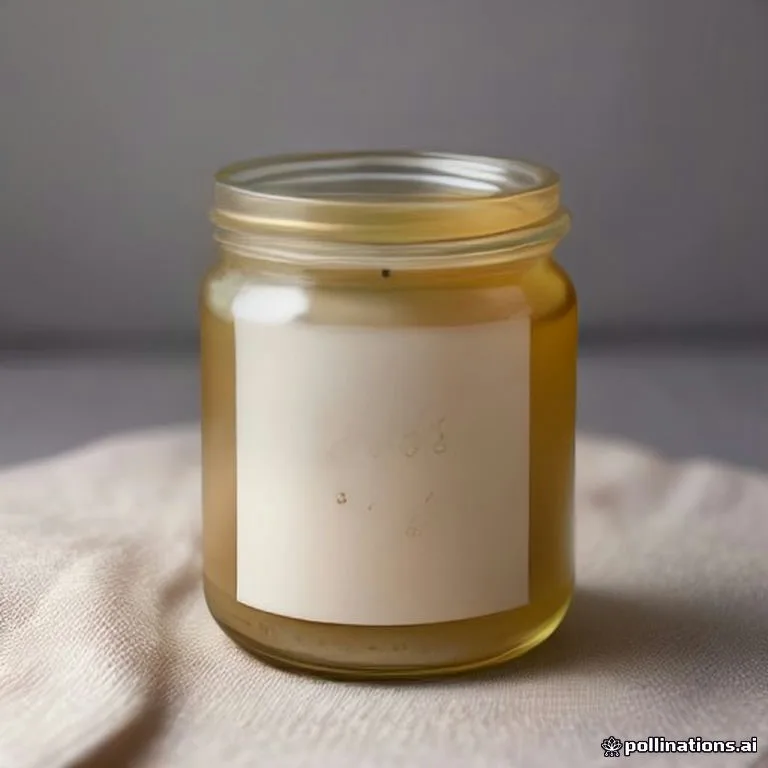 Download
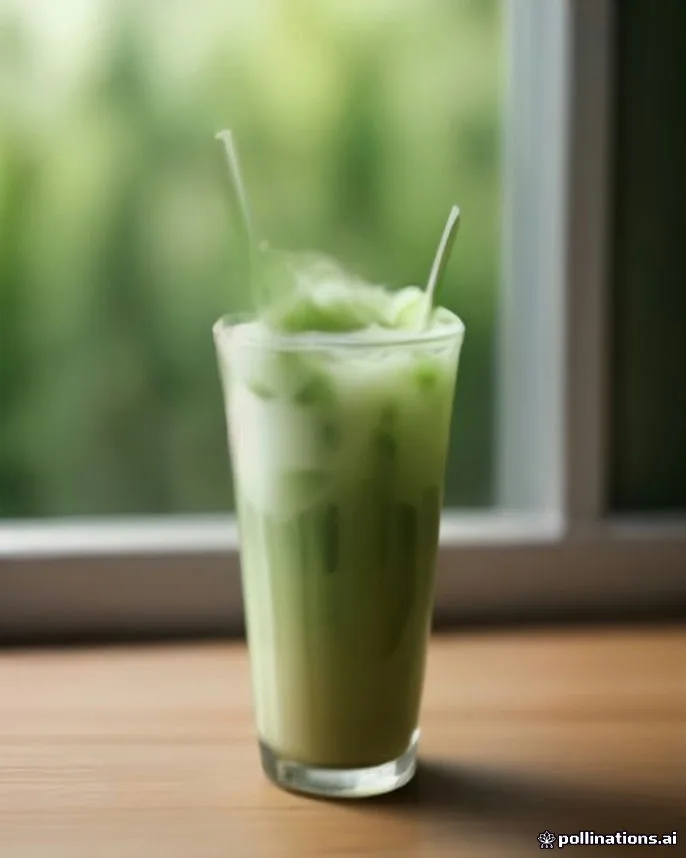
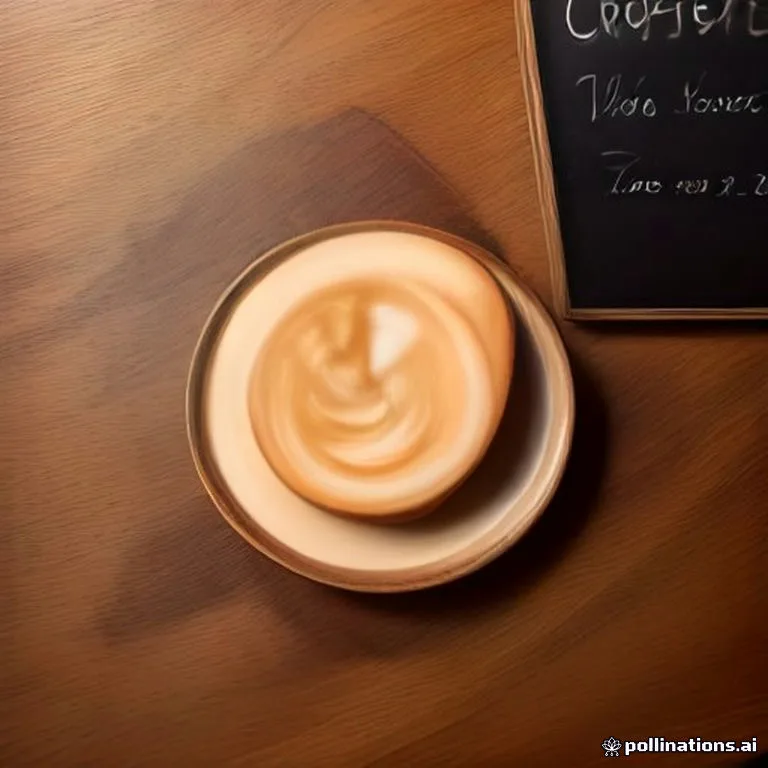
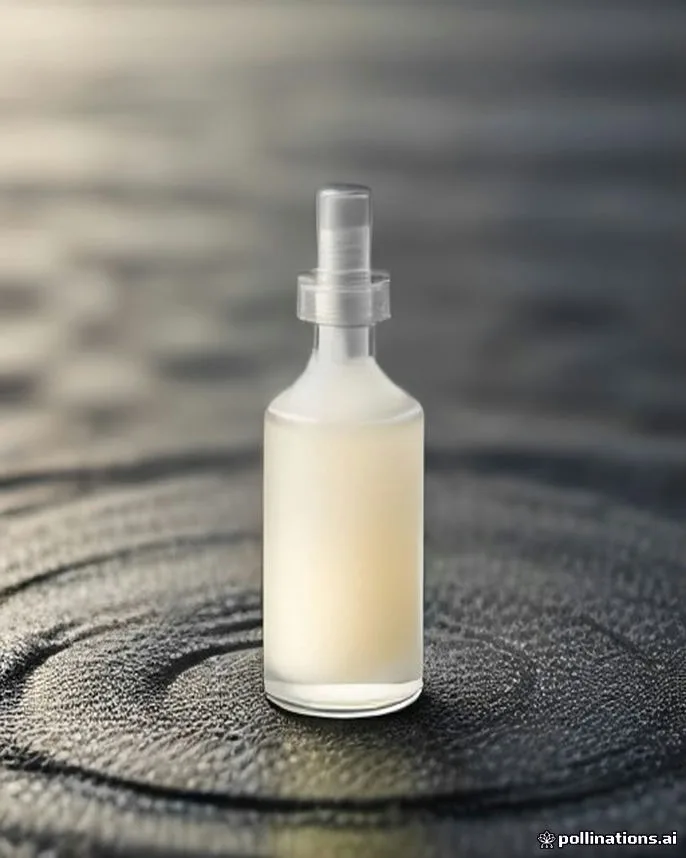
Images are made with free FLUX image models. If one model is busy, Angyza AI switches to a backup on its own.
Create an image
Describe your image
Type in Describe your image. Start with the main subject, then the setting, the light and the mood. If the box is empty, you can click one of the ideas under it to start.
Handmade soy candle in an amber glass jar with a minimal kraft label, dried lavender beside it, linen backdrop, soft shadows, warm tonesImprove a short idea (optional)
If you only have a few words, like "candle on a table", click Improve prompt (2 credits). It rewrites your idea as one detailed prompt under 90 words. Edit it if you like.
Pick a size
Choose the size for where you'll post it. See the table below.
Pick a style
Photo is selected by default. Pick another style, or No style to use only your own words.
Generate
Click Generate image (15 credits), or press Ctrl + Enter (Cmd + Enter on a Mac) in the prompt box.
Use the result
Under the image, click Download to save it as a WebP file, Edit in studio to add text or change the background, or New variation for another version (15 credits).
Sizes
| Size | Ratio | Pixels | Good for |
|---|---|---|---|
| Square | 1:1 | 1024 × 1024 | Instagram post |
| Portrait | 4:5 | 1024 × 1280 | Instagram feed |
| Story | 9:16 | 864 × 1536 | Reels, TikTok, Stories |
| Wide | 16:9 | 1536 × 864 | YouTube, X, LinkedIn |
| Landscape | 3:2 | 1536 × 1024 | Blog, Facebook |
| Tall | 2:3 | 1024 × 1536 |
If you need an exact platform size, like 1080 × 1350, open the image in Studio and use Resize. It's free.
Styles
A style adds a few words to the end of your prompt. You can see the effect without writing them yourself.
| Style | What it adds |
|---|---|
| No style | Nothing. Only your prompt is used. |
| Photo | Professional photo, natural light, sharp focus, realistic detail |
| Product shot | Studio product photo, clean plain background, soft shadows |
| Flat lay | Top-down layout with styled props and soft daylight |
| Illustration | Modern flat vector look, clean shapes, limited colors |
| 3D render | Soft studio light, smooth materials |
| Cinematic | Dramatic light, shallow depth of field, film look |
| Minimal | Lots of empty space, soft pastel tones |
| Watercolor | Soft washes and paper texture |
| Anime | Bright colors and clean line art |
Quality
- Standard gives the best balance of speed and detail. Use it for most images.
- Fast is a little quicker with a little less detail. Both cost 15 credits.
Lock seed
Each image starts from a random number called a seed. The seed of your last image is shown under it, next to the buttons.
Turn on Lock seed to reuse the same seed. With the same seed and a slightly changed prompt, you get a similar layout with your change, for example a different color of jar. You can type a seed, or click the dice to pick a random one.
With Lock seed off, New variation gives you a different image each time. With it on, New variation uses the same seed, so change the prompt first.
Write better prompts
- Lead with the subject. "Iced matcha latte in a tall glass" before "on a marble table".
- Name the light. "Soft morning window light" or "warm dusk glow" changes the mood more than anything else.
- Say the angle. "Top-down", "close-up" or "wide shot".
- Keep it under 1,500 characters. Longer prompts aren't accepted.
- Avoid real brands and people. Don't ask for another company's logo or a real person's face.
Sexual content isn't allowed in images. If a prompt is blocked, change it and try again; you aren't charged.
Recent images
The 12 newest images you've generated are shown under Recent images. Click one to show it again with its buttons. View library opens all of them.