
Qabala · Features
Install and use offline
Add Qabala to your home screen on Android or iPhone and get it ready to work without internet, including the PDF maker. See what needs a connection.
Qabala is a website that you can add to your phone's home screen. After you open it once with internet, it keeps working when the connection drops. This page shows how to install it and how to get it ready for offline use. The deed it makes is still a sample to print and sign, not a government document.
Install on your phone
Qabala has no app store download. You add it from the browser, and it then opens like an app, full screen, with its own icon named قباله.
Open Qabala with internet
Open qabala.angyza.com in Chrome on Android or Safari on iPhone. Wait for the home screen to load.
Add it to the home screen
On Android in Chrome, tap the menu (⋮) and then Add to Home screen or Install app.
On iPhone in Safari, tap the Share button and then Add to Home Screen.
Open it from the icon
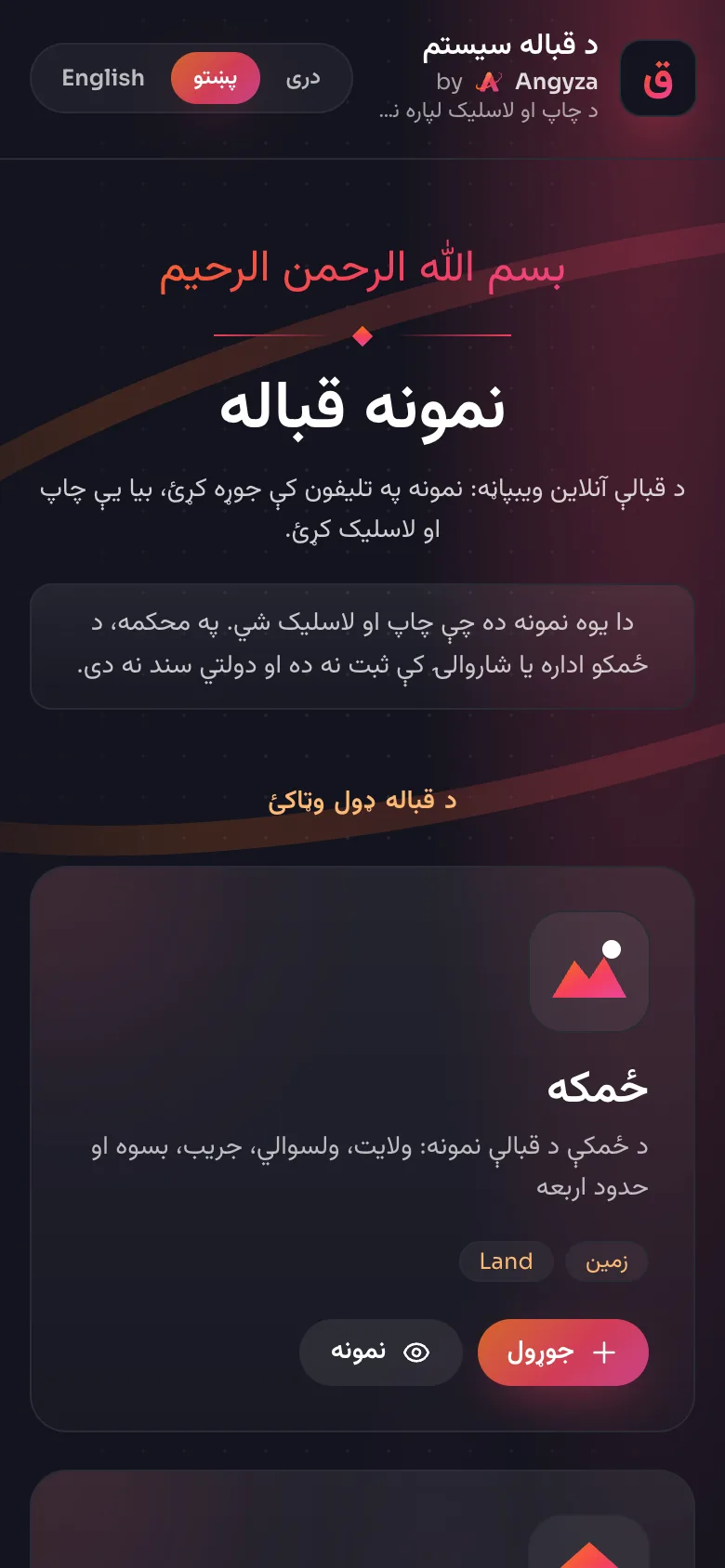
Tap the new قباله icon. Qabala opens on the Pashto home screen. Tap دری or English at the top if you want another language.
The menu names can differ a little between phones and browser versions. Look for "Install" or "Add to Home screen".
Get ready for offline use
On the first visit, Qabala saves all of its pages on your phone: the home screen and the 5 deed types, in Pashto, Dari and English. The part that builds PDFs is only saved the first time you use it.
Open a sample deed
With internet on, tap Sample on any card on the home screen. Qabala fills in made-up data and opens the preview.
Make one PDF
Tap Download PDF. This saves the PDF maker and its fonts on your phone. You can delete the sample PDF afterwards.
Test without internet
Turn on airplane mode and open Qabala from the icon. Open a deed type and check that the form loads.
What works offline
| Action | Offline |
|---|---|
| Open Qabala and switch language | Yes, after the first visit |
| Fill in the form and view the deed | Yes |
| Yes, if a printer is connected to your phone or computer | |
| Download PDF | Yes, after you have made 1 PDF online |
| The share menu opens and WhatsApp keeps the message until you are back online |
On a computer, WhatsApp opens WhatsApp Web, which needs internet.
Updates
When you are online, Qabala loads the newest version of each page and saves it for next time. There is nothing to update by hand. If something looks old, open Qabala once with internet and reload.
Remove Qabala
Press and hold the قباله icon and choose Remove or Delete. To also remove the saved pages, clear the site data for qabala.angyza.com in your browser settings. No deeds are lost, because Qabala does not store them.