

Angyza AI
Create posts, images and captions with AI. Free every day.
Angyza AI is a free AI writer, image generator and photo studio for small businesses and creators. You get 100 credits every day to write captions and posts, create images at the right size, and edit photos in Studio.
Who it's for
Small business owners
Write product descriptions, promo posts and ads, and make clean product photos without a photo shoot.
Creators
Plan a week of posts, script Reels and TikToks, and make images sized for each platform.
Social media managers
Draft captions, hashtags and content calendars in the client's voice, then polish the visuals in Studio.
Features
What you can do with Angyza AI
Write captions, posts and scripts
Pick a template like Instagram caption, LinkedIn post, Reel / TikTok script or Product description. Set the tone, length and language. Each message costs 2 credits.
Write captions and postsImages at the right size
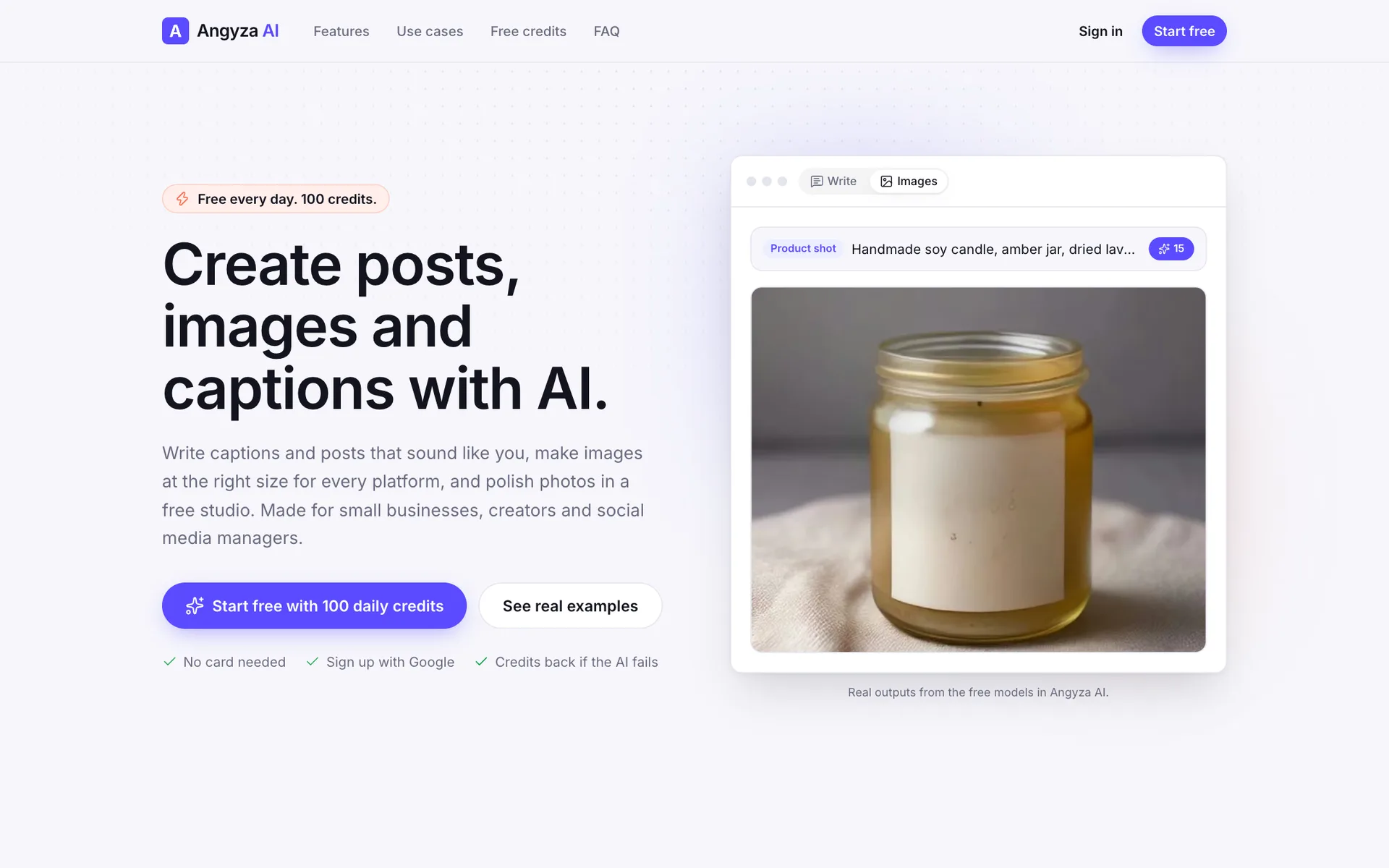
Describe a picture, then pick Square, Portrait, Story, Wide, Landscape or Tall and a style like Photo or Product shot. Each image costs 15 credits.
Create imagesImprove prompt
Type a short idea and tap Improve prompt. It rewrites your idea as a detailed image prompt with the subject, setting, light and mood, for 2 credits.
Create imagesFree photo studio
Crop, resize for a platform, adjust colors, and add text, shapes and your logo. Export as PNG, JPG or WebP. Studio edits don't use credits.
Edit photos in StudioBackground removal on your device
Remove a background in your browser, then add a color, a gradient, a blur of the original or an AI scene. Your photo isn't uploaded to remove it.
Edit photos in StudioEverything in Library
Every image you generate is saved to Library automatically, and Studio designs are added when you choose Save to library. Download, edit or delete them any time.
Find and manage files in LibraryHow it works
Three steps, start to finish
- 1
Sign in with your Angyza account
Sign in on angyza.com with email or Google. The same account works on every Angyza tool.
- 2
Write or create
Open Write for captions and posts, or Images for pictures. Your credits for today show in the header.
- 3
Edit and download
Polish images in Studio for free, then download them or find them again in Library.
Angyza AI
Real examples
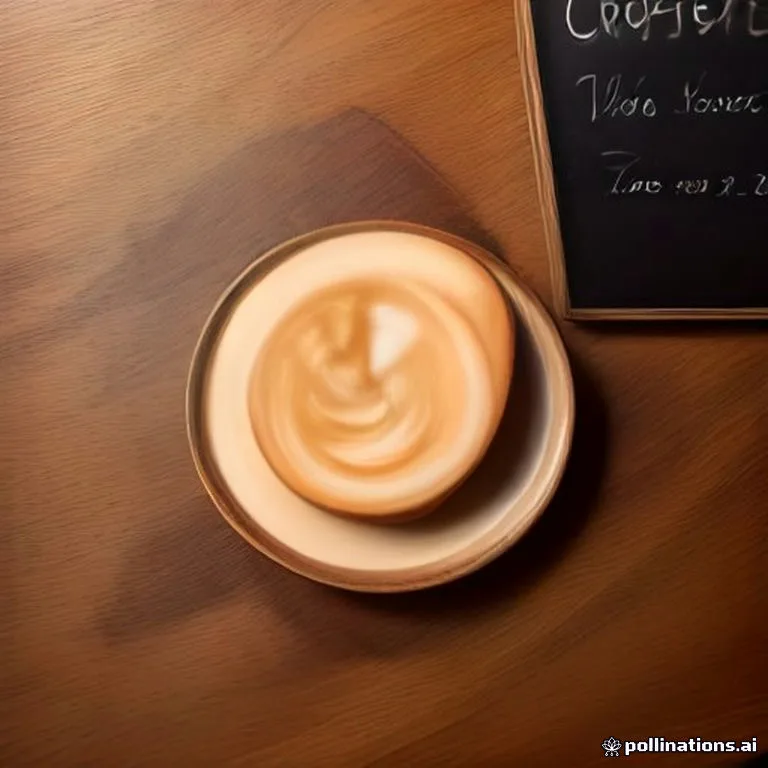
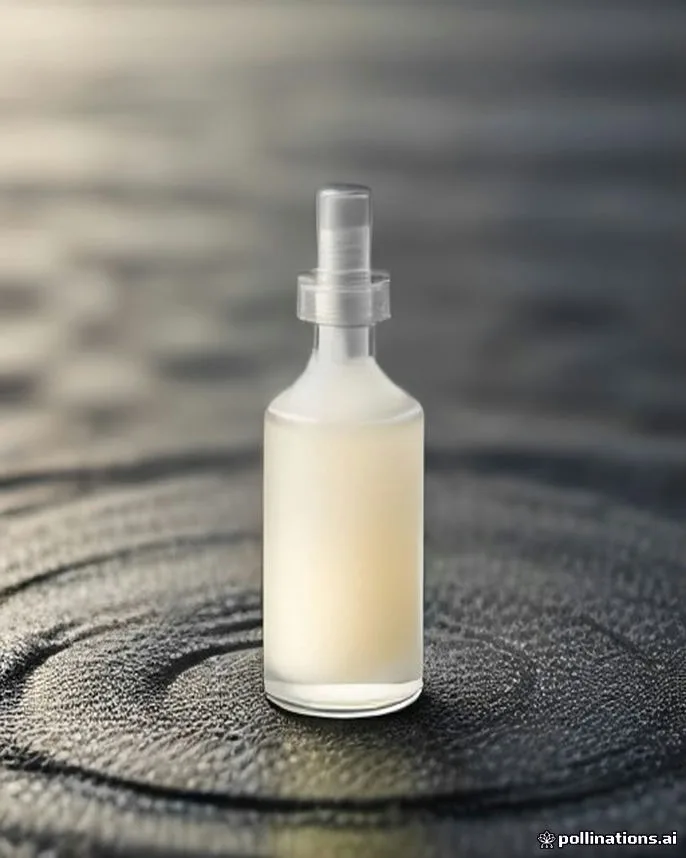
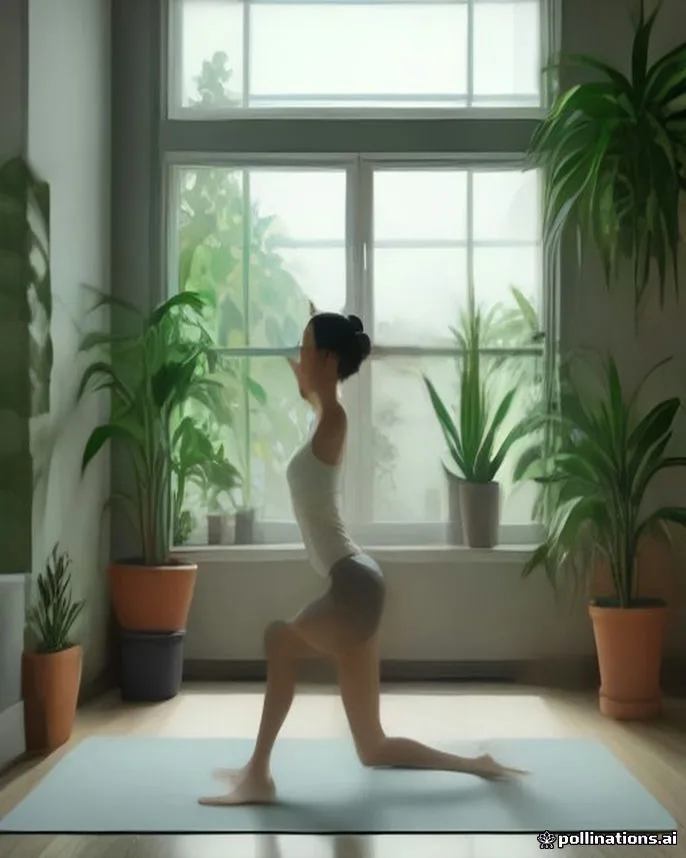
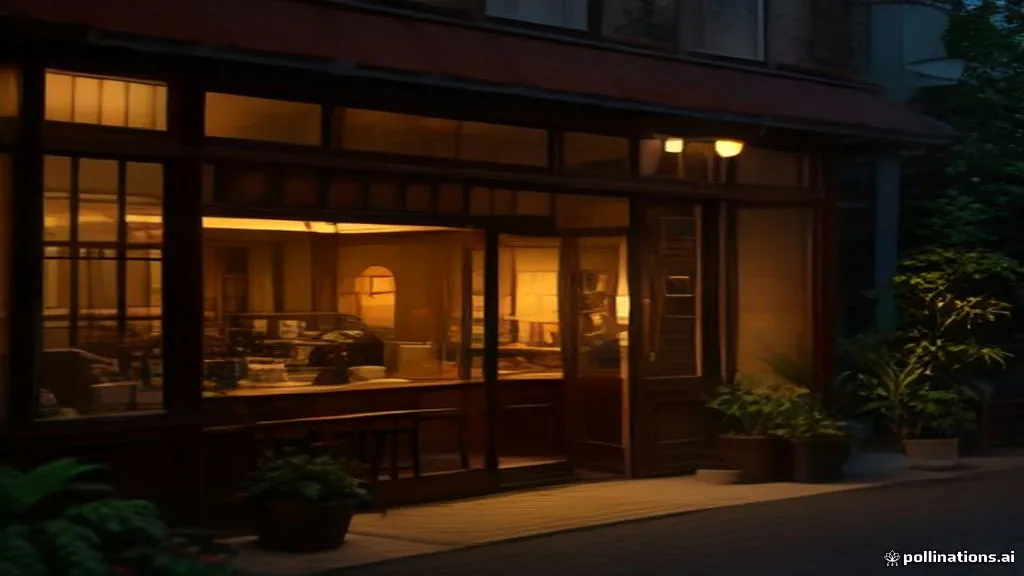


Limits and pricing
100 free credits every day
Every signed-in account gets 100 credits a day. They reset at midnight Malaysia time (UTC+8) and don't carry over. If a generation fails, your credits come back automatically.
- Daily credits
- 100
- Write message
- 2 credits
- Improve prompt
- 2 credits
- Image, or AI background in Studio
- 15 credits
- Studio edits and background removal
- Free
- Reset
- Midnight Malaysia time (UTC+8)
Account and privacy
Your account and your data
Angyza AI uses your Angyza account. It stores what it needs to run the service and give you your daily credits. Your data isn't sold.
- Account: your email address, and your name and photo if you sign in with Google.
- Generations: your prompts, your chats in Write and the images you create, so you can find them again.
- Library files are kept in private storage that only your account can open.
- Background removal runs on your device. Photos you edit in Studio aren't uploaded unless you save them.
- To create text and images, your prompt is sent to AI providers: OpenRouter, Cloudflare Workers AI and Pollinations.
How much can I make with 100 credits a day?
A Write message costs 2 credits and an image costs 15. So 100 credits is up to 50 messages, or 6 images and 5 messages. Studio edits are free, so you can crop, resize and add text as much as you like.
Do I need an account to use Angyza AI?
Yes. You sign in with your Angyza account on angyza.com, using email or Google. Once you're signed in, you're signed in on every Angyza tool. The daily credits are tied to your account, which keeps the free plan fair for everyone.
What happens to my credits if a generation fails?
They come back automatically. If the AI is busy or something goes wrong, you'll see a short message and the credits are returned. You only spend credits on results you receive.
Can I get more than 100 credits a day?
Not right now. Every account is on the free plan with 100 credits a day. Please use one account per person: the terms don't allow extra accounts to get more credits.
Which languages can Write use?
English, Bahasa Melayu, Bahasa Indonesia, Chinese (Simplified), Tamil, Thai, Vietnamese, Filipino, Spanish and Arabic. Choose one in Tone and style before you send your message.
Can I use what I make for my business?
Yes. You can use your captions, posts and images on your social accounts, ads and shop listings. Check names, prices and facts before you post, and don't ask for content that copies another brand or a real person.
Is my photo uploaded when I remove a background?
No. Background removal runs in your browser. The first time, your browser downloads the AI model once (about 44 MB). Your photo is only stored if you choose Save to library, or if you create an AI background, which is a new image made from your text.
Do my images have a watermark?
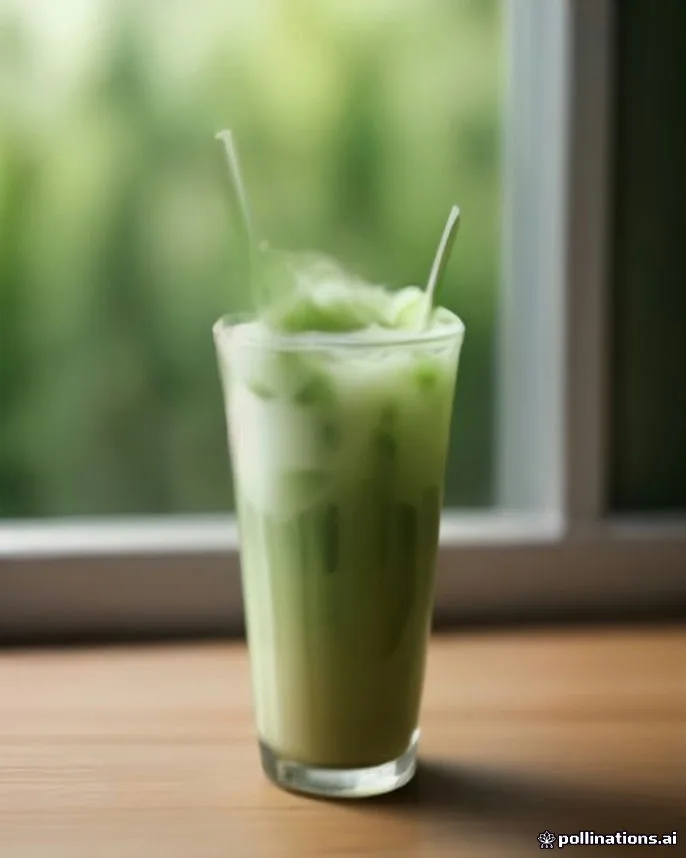
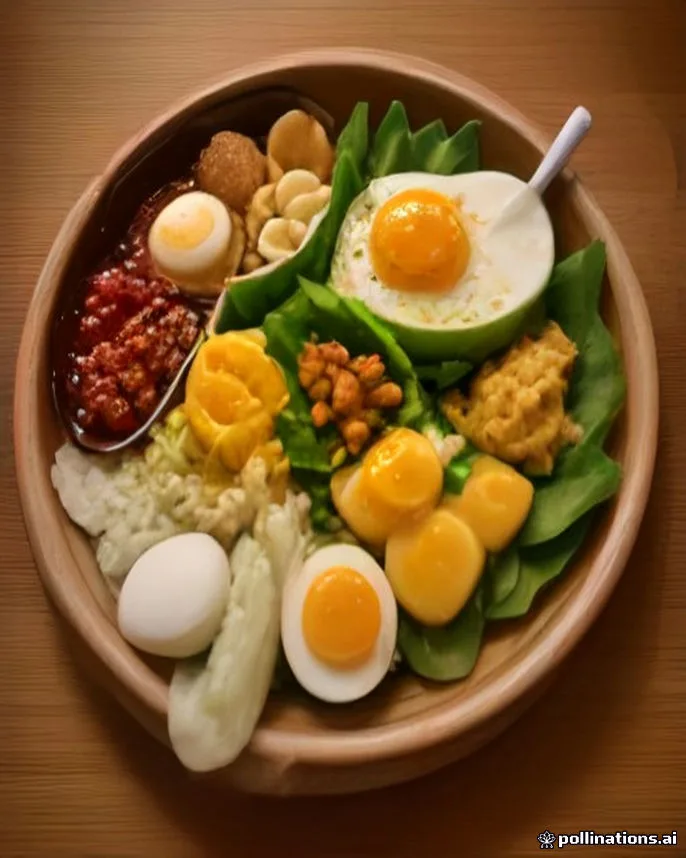
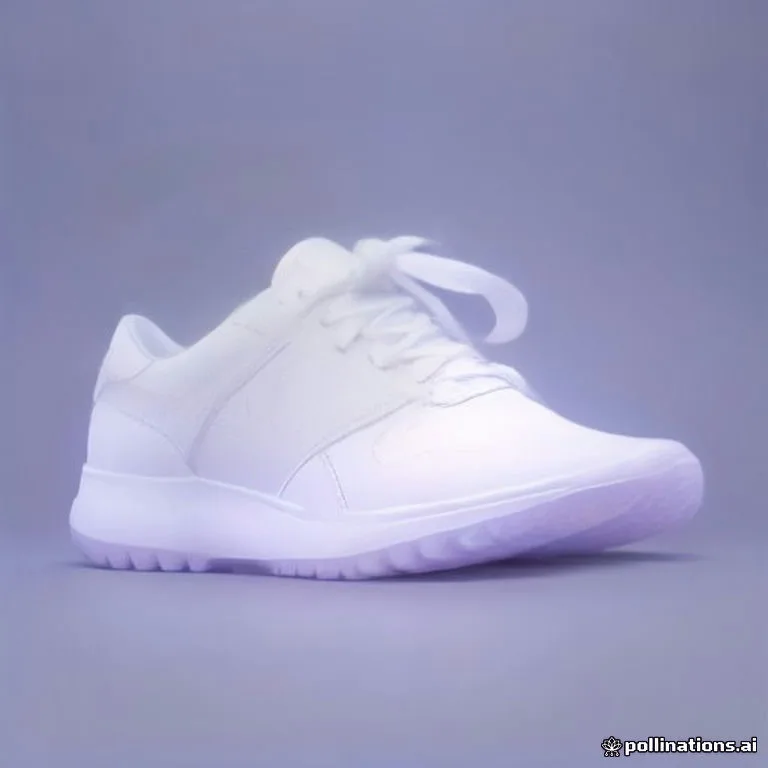
Studio exports have no watermark. Most images come from free FLUX models without one. On very busy days Angyza AI may use a backup image service, which can add a small watermark.
Learn more
Tutorials and docs
Angyza AICreate a LinkedIn post from bullet points
Turn a few rough bullet points into a LinkedIn post with a strong hook, short paragraphs and a closing question, then add a wide image, in Angyza AI.
Angyza AIMake a product photo with a clean background
Remove the background from a product photo in Angyza AI Studio, add a clean color or gradient, resize it for Instagram or your shop, and export it for free.
Angyza AIMake the most of 100 daily credits
Plan your day in Angyza AI so 100 free credits cover a week of captions, several images and finished posts, using batching, Lock seed and the free Studio.
Read the docs
Start creating with Angyza AI
Sign in with your Angyza account and use your 100 free credits today.
Open Angyza AI