

In this tutorial you'll plan one day of content in Angyza AI so your 100 free credits cover a week of captions, 3 images and finished posts for 3 platforms. You need your Angyza account and an idea of what you want to post this week.
The example is a small bakery, but the same plan works for any business.
Open Angyza AICheck what you have and when it resets
Open Angyza AI. Home shows Credits left today and how many messages or images that covers. Hover over the credit counter in the top right to see when your credits reset.
Credits reset at midnight Malaysia time (UTC+8) and don't carry over. If you have credits left late in the day, use them before the reset.
ai.angyza.com/app86Today's credits
86 / 100
Resets at midnight Malaysia time (UTC+8). Failed requests are refunded.
- Write message2 credits
- Improve prompt2 credits
- Image15 credits
- Studio edits and exportsFree
Preview of the credit counter screen in Angyza AI, with real outputs. Budget your day before you start
Here's what each action costs:
Action Credits Write message, or Try again 2 Improve prompt 2 Image, or New variation 15 Create background in Studio 15 Everything else in Studio Free A plan that fits in 100 credits:
Task Credits 1 content calendar and 7 captions in 3 messages 6 4 follow-up messages to tweak captions 8 1 Improve prompt 2 3 images 45 1 spare image for a retry or a new idea 15 Studio edits for every image 0 Total 76 That leaves 24 credits for more messages.
Write first, and batch your messages
Open Write. Fill in About your business under Tone and style once, so you don't spend messages explaining your business.
A message costs 2 credits whether it returns 1 caption or 4. So ask for several at once:
Write Instagram captions for Monday to Thursday: new sourdough loaf, behind the scenes at 5am, customer favourite kaya buns, weekend preorder reminder. Label each with its day.Result: 4 captions for 2 credits.
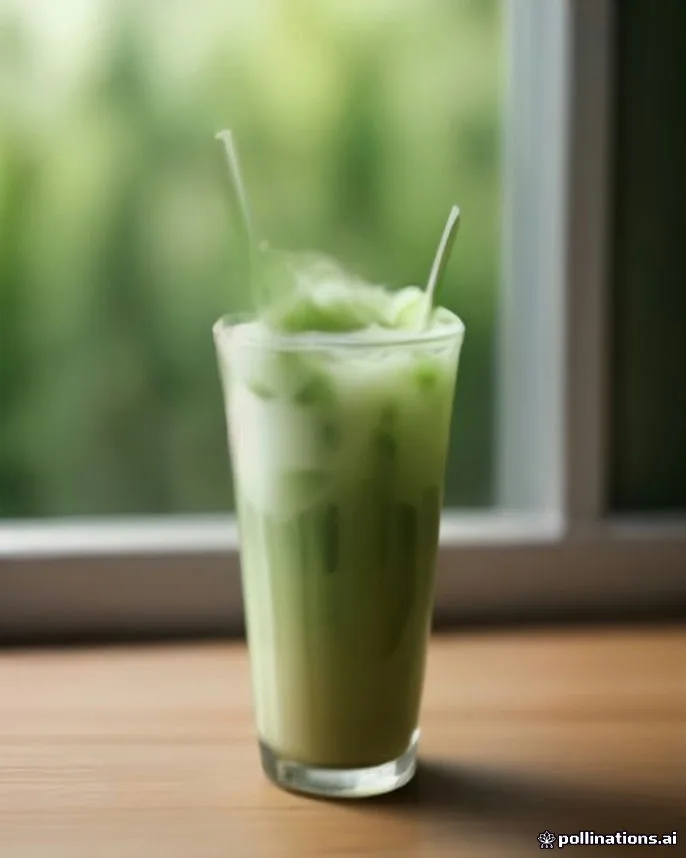
Instagram captionWrite one Instagram caption for our new iced matcha latte, launching this Friday at our small cafe. Strong hook first line, short lines, a call to action, then 10 hashtags on a separate line. Friendly tone, a few emojis.Ready for a cool pick‑up? 🍵💚 Our iced matcha latte drops this Friday at the cafe. 💫 Coming in at $[price] – fresh, frothy, and vibrant. 🌱 Swing by, try one, and share your thoughts! 👇 #matcha #icedlatte #cafelife #cafehopping #drinkstagram #coffeelover #yummy #freshdrink #supportlocal #newdrinkReal output from Angyza AI's free models. Yours will differ. Fix with a follow-up instead of Try again
Try again replaces the whole answer and costs 2 credits. If only one caption is off, a follow-up keeps the rest:
Keep Monday and Tuesday. Make Wednesday shorter and give Thursday a stronger call to action.Use Stop if an answer is clearly going the wrong way. If you stop before any text appears, the credits come back.
Get the image prompt right before you spend 15
Images cost the most, so spend 2 credits to save 15. Type your short idea in Images and click Improve prompt once:
croissants and coffee on a bakery tableResult: a detailed prompt with subject, setting, light and mood. Read it and edit any detail you don't want before you click Generate image.
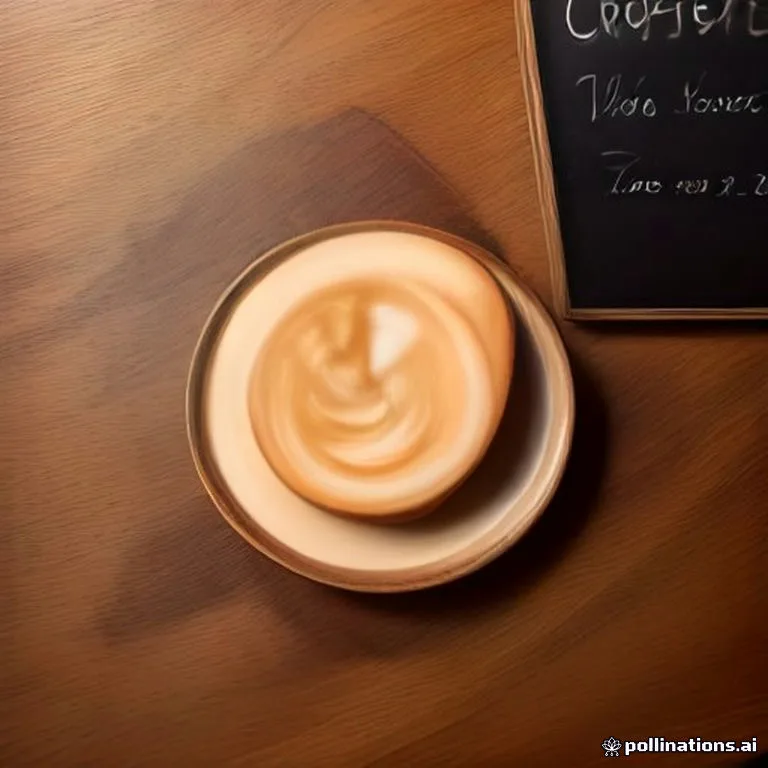
Prompt: Top-down flat lay of fresh butter croissants, a cappuccino with latte art and a small chalkboard sign on a wooden table, soft daylight, cozy bakery social media aesthetic Pick the right size the first time
Choose the size for the platform you'll post on most: Portrait for the Instagram feed, Story for Reels and Stories, Wide for LinkedIn and YouTube. A wrong size isn't a wasted image, though: Studio can resize it for free (next steps).
Leave room for text by adding "with empty space at the top" to your prompt.
Use Lock seed for small changes
If an image is almost right, don't generate from scratch. Turn on Lock seed, change one detail in the prompt (for example "pink napkin" instead of "white napkin") and generate again.
Result: a similar layout with your change, instead of a whole new picture you might like less.
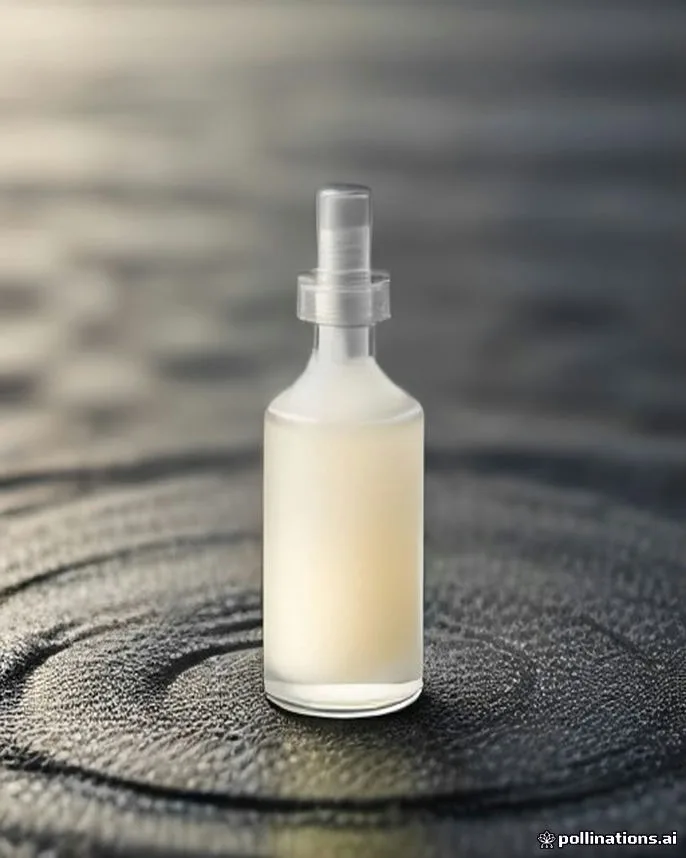
ai.angyza.com/app86Handmade soy candle in an amber glass jar with a minimal kraft label, dried lavender sprigs beside it, linen fabric backdrop, studio product photography, soft shadows, warm tones
Product shotSquare 1:1Portrait 4:5Story 9:16 Improve prompt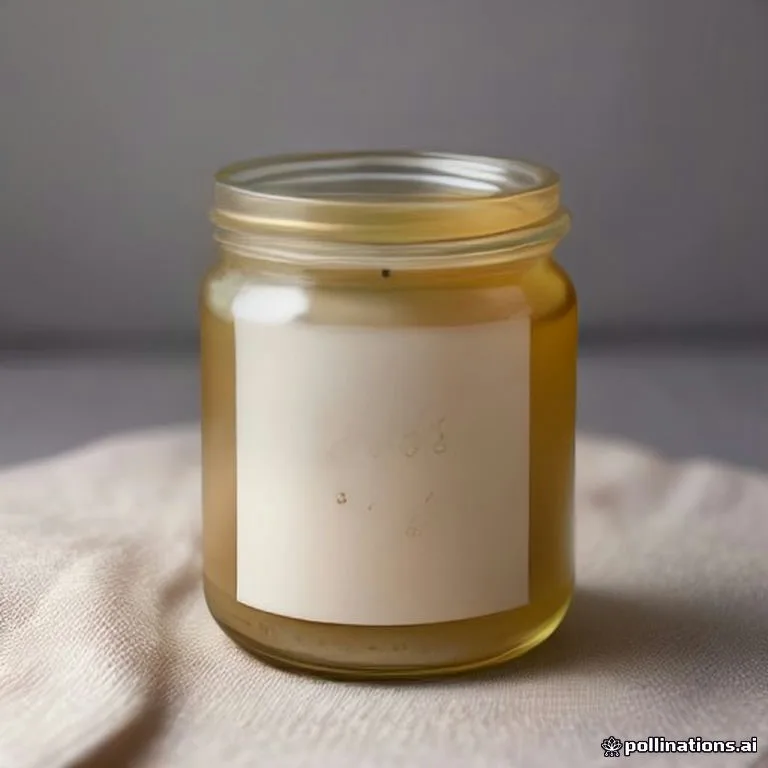 Download
 Generate15 credits
Preview of the Images screen in Angyza AI, with real outputs. Make every platform version in Studio for free
Click Edit in studio under your image. Then, without spending credits:
- Resize to Instagram portrait, Story / Reel and Facebook post, exporting each one.
- Add a headline or price with Text instead of asking the image model to draw words.
- Use Adjust to brighten a dark image instead of generating it again.
Result: 3 platform versions of each image for 15 credits in total, not 45.
ai.angyza.com/app86Background Crop Adjust Text Layers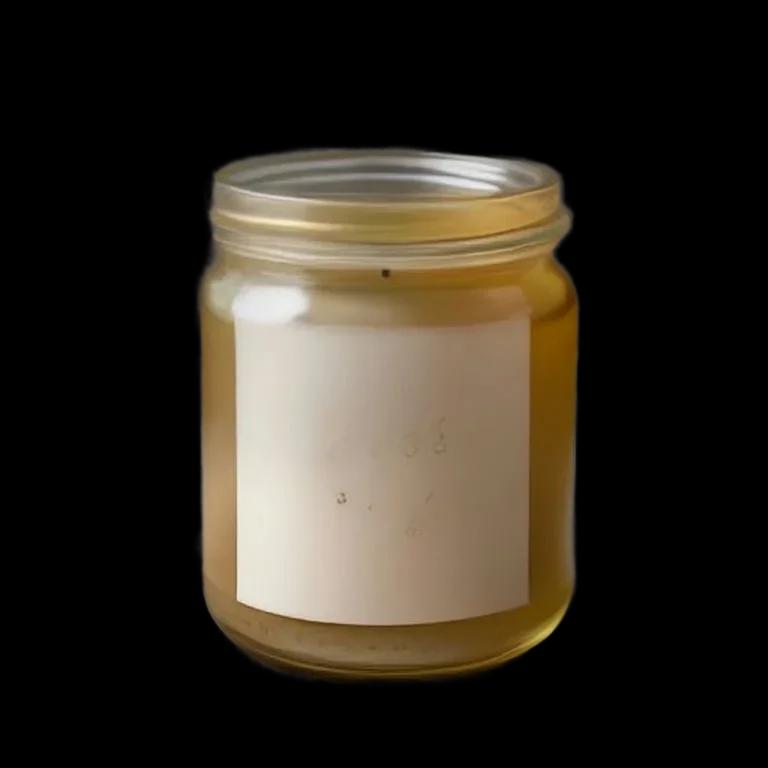
New background
Background removed
Export PNGPreview of the Studio screen in Angyza AI, with real outputs. Know what doesn't cost you
You only pay for results you receive:
- If the AI fails or is busy, your credits are returned automatically.
- If your prompt is blocked, you aren't charged.
- Library, downloads and every Studio edit except Create background are free.
When the counter turns amber (under 20 credits), switch to Write or Studio work. When you're out, come back after midnight Malaysia time for a fresh 100.
ai.angyza.com/app86AllGeneratedStudioUploads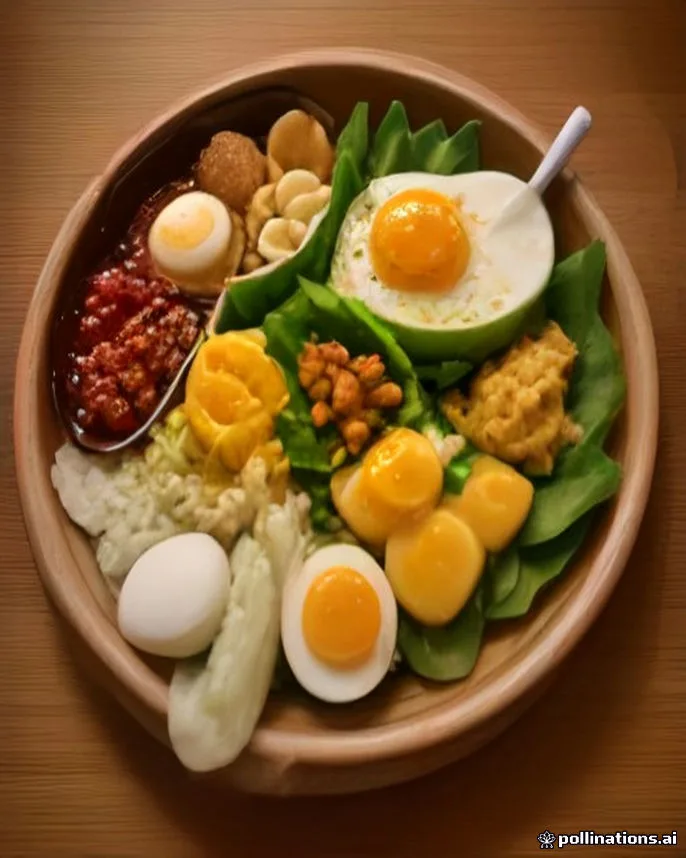
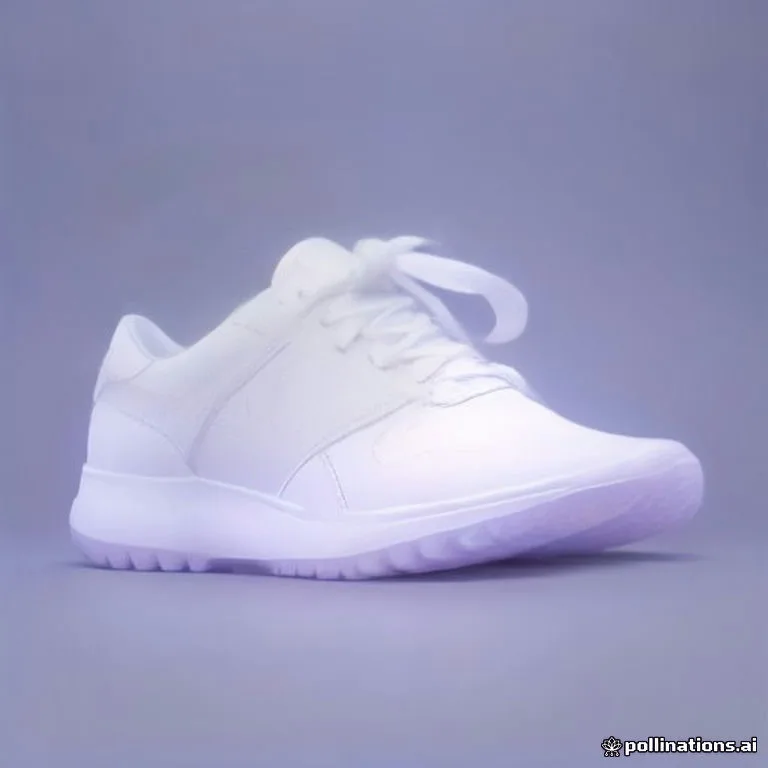
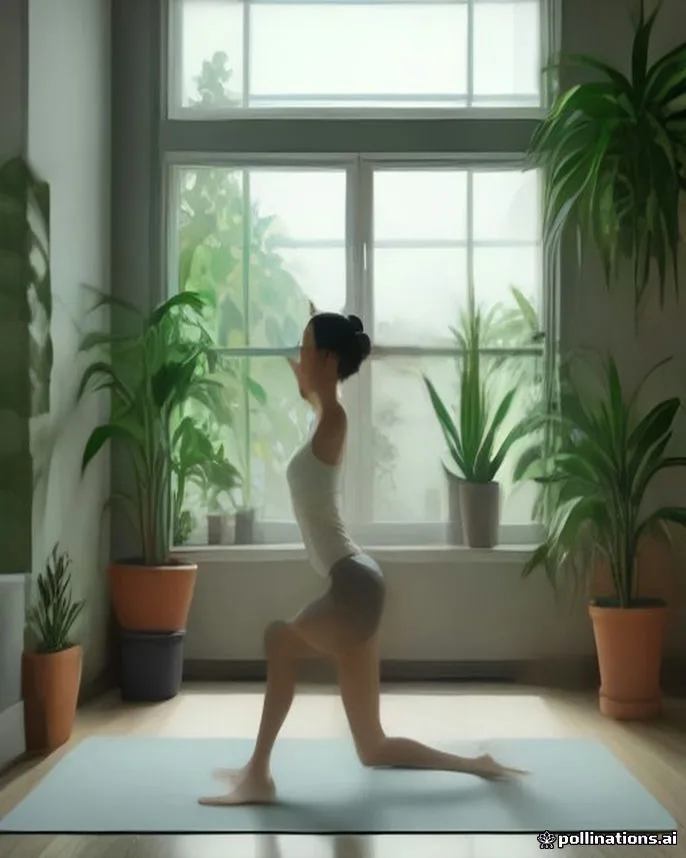
Preview of the Library screen in Angyza AI, with real outputs.
Tips
- Write on one day, design on another. If you post daily, spend one day's credits on a week of captions and the next day's on images.
- Make 2 good images, not 6 rushed ones. One image with 3 Studio versions goes further than 3 separate images.
- Keep a prompt you like. Copy prompts that worked into your notes, so you can reuse them with Lock seed next week.
- Don't open a second account. Each person gets one account. Extra accounts aren't allowed and may be suspended.
Next steps
- Credits and limits has the full list of costs and limits.
- Troubleshooting explains each limit message.
- Write a week of Instagram captions in 10 minutes
- Make a product photo with a clean background
- Angyza AI overview