In this tutorial you take a finished deed in Qabala and print it, save it as a PDF, and send it to someone on WhatsApp. It takes about 5 minutes. What you print is a sample to sign, not a government document, and it is not registered at any office.
You need a deed that is filled in: the seller's and buyer's names and tazkira numbers, the property details, and 2 witnesses. If you have not made one yet, follow Make a land qabala on your phone first, or tap Sample on the Land card to practice with made-up data.
Open the land formPrint and share the deed
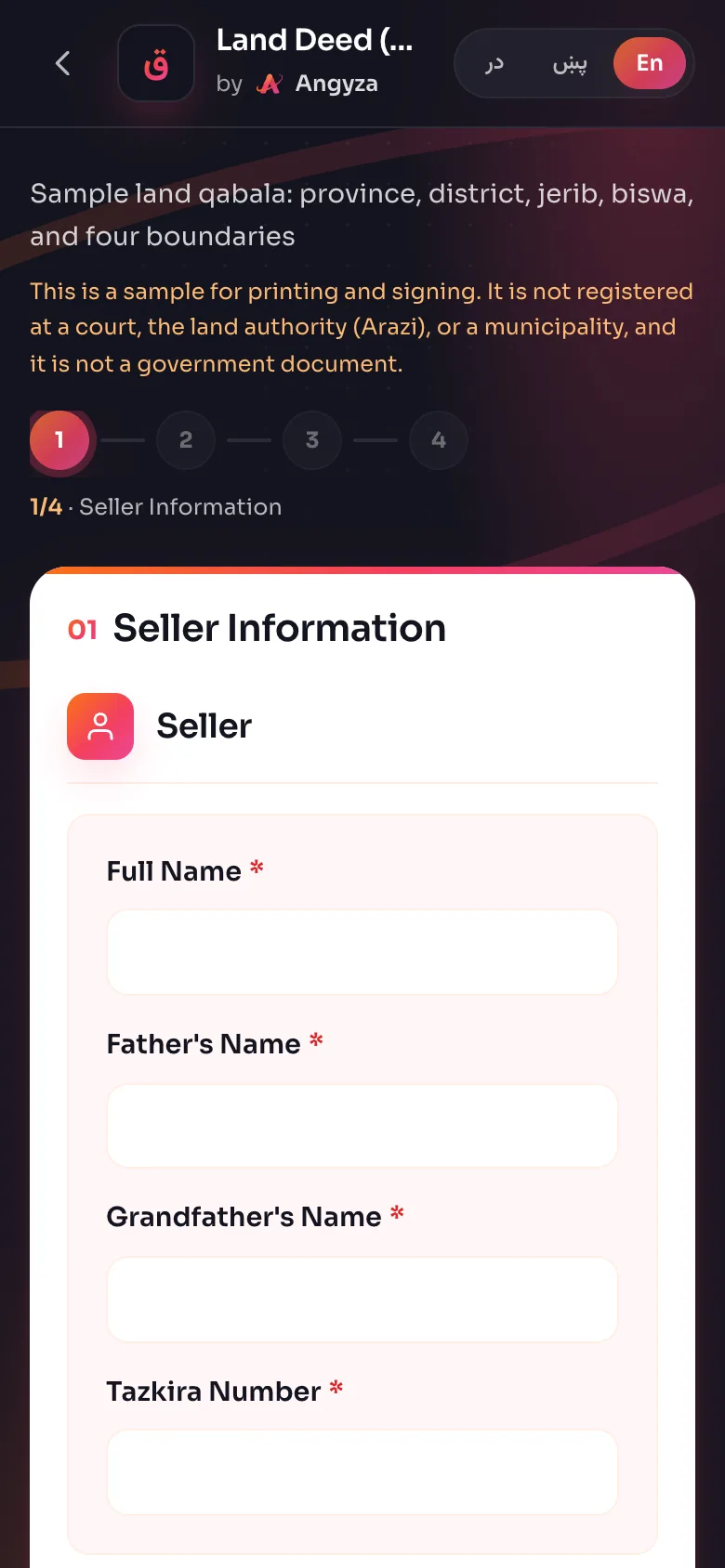
Finish the form
Fill in all 4 steps, up to Witnesses. On step 4 you will see View Qabala, WhatsApp and Download PDF. Qabala checks every step before it makes a PDF, and takes you back if something is missing.
Open the preview
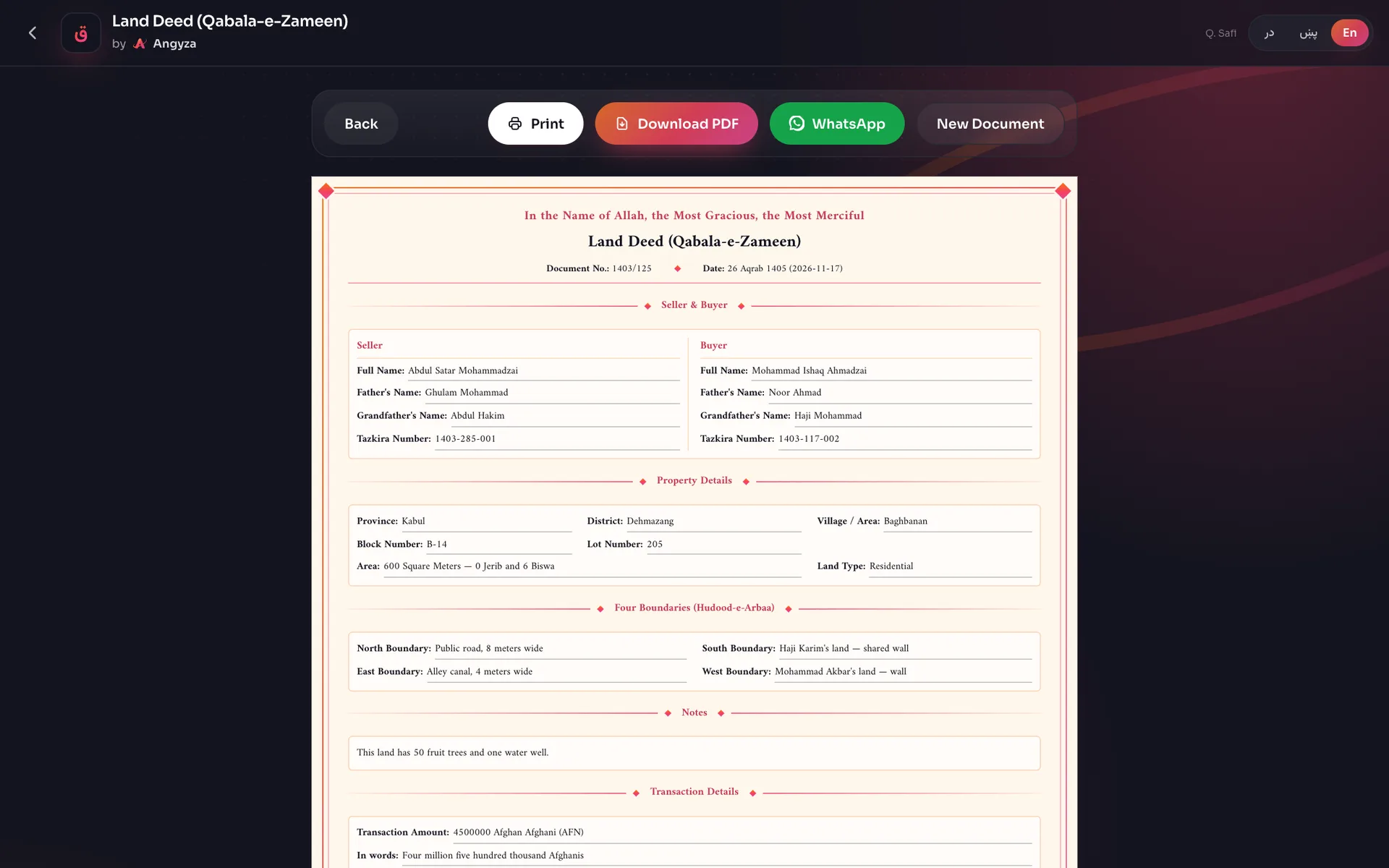
Tap View Qabala. The deed opens with a row of buttons above it: Back, Print, Download PDF, WhatsApp and New Document. Read the whole deed once more.
Print the deed
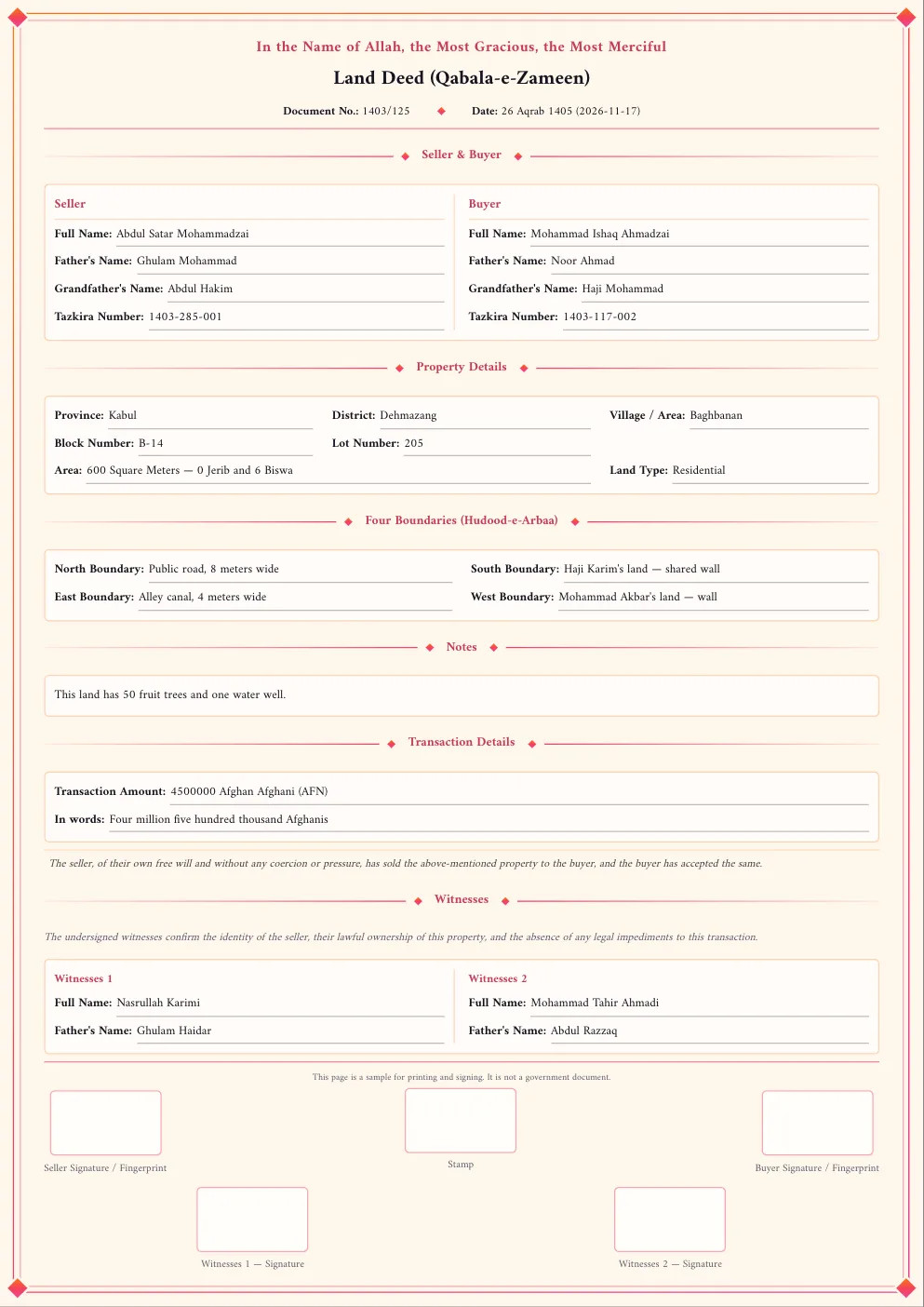
Tap Print. Your phone opens its print screen. Pick your printer, choose A4 and portrait, and turn on background colors if you see the option. Print 1 copy for the seller and 1 for the buyer.
Download the PDF
Tap Download PDF. The button shows
...for a few seconds while Qabala builds the file on your phone. The file is saved in your downloads asqabala-land.pdf. Keep it: Qabala does not save the form.Tap WhatsApp
Tap WhatsApp. On most phones the share menu opens with the PDF attached. Choose WhatsApp from the list.
Pick the chat and send
Choose the person or group, check it is the right chat, and send. The message says it is a sample qabala for printing and signing, with a link to qabala.angyza.com.
If WhatsApp opens without the file
Some browsers and most computers cannot share files. Then Qabala downloads the PDF and opens WhatsApp with only the message. In the chat, tap the attach button, choose Document, and pick
qabala-land.pdffrom your downloads.Sign the printed copies
Have the seller, the buyer and each witness sign or put a fingerprint in their box on every printed copy. Each side keeps one copy.
Tips
- On a phone, Print and then Save as PDF is another way to get a PDF if Download PDF fails.
- The PDF holds names and tazkira numbers. Send it only to people who are part of the sale.
- To print from a computer, send the PDF to yourself on WhatsApp, then download it on the computer.
- Make 1 PDF while you have internet, so Qabala can make PDFs offline later.
Next steps
Read Print, PDF and WhatsApp for more detail, or Troubleshooting if something does not work. To use Qabala without internet, see Install and use offline.
Open Qabala